How Schools Can Choose Education Technology That Teachers Will Actually Use
Walk into almost any school and you will find technology that seemed like a good idea at the time: smart boards used as expensive whiteboards, tablets locked in a cupboard, software licences nobody renewed. The problem is rarely the technology itself. It is usually the way it was chosen. This guide offers school leaders a practical process for choosing education technology that teachers will actually use and students will actually benefit from.
Start with a teaching problem, not a product
The most common mistake in buying education technology is starting with the product. A salesperson shows an impressive demo, a neighbouring school has bought something similar, and the decision is made before anyone asks what problem it solves.
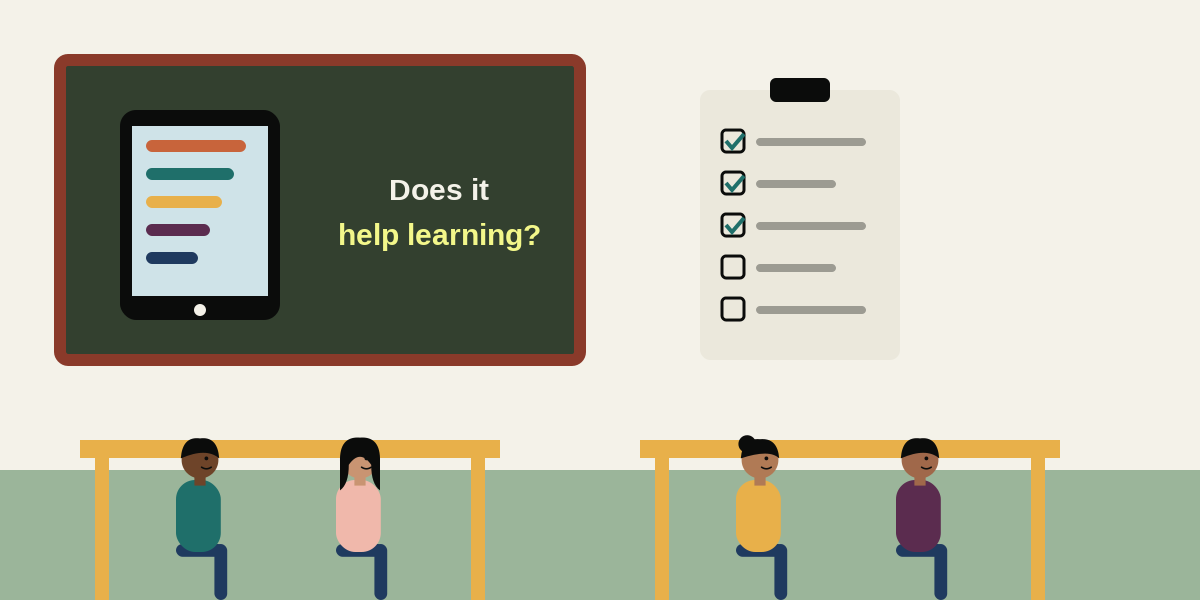
Reverse the order. Begin with a clear description of a teaching or learning problem. For example:
- "Students in Classes 6 to 8 are struggling with basic reading fluency, and teachers cannot give each child enough individual practice."
- "Teachers spend several hours a week marking routine homework and have little time left for feedback."
- "Parents do not know what their children are learning and often miss important school notices."
Once the problem is clear, you can ask whether technology is the best solution at all. Sometimes the answer is a timetable change, more books or better training, and that is a perfectly good outcome.
Involve teachers from the beginning
Teachers are the people who will use the technology every day, so they should help choose it. Form a small group with teachers from different subjects and levels, including at least one who is sceptical about technology. Sceptics ask the questions everyone else forgets: How long does it take to set up? What happens when the internet goes down? Does it actually save time?
Ask the group to define what success would look like after one term. Clear, simple measures work best: fewer hours spent on marking, better reading scores, higher homework completion, or more parents reading school updates.
Questions to ask every supplier
About learning
- What evidence do you have that this improves learning, and in schools like ours?
- Does it match our curriculum and the languages our students speak?
- Can teachers adapt the content, or is it fixed?
About everyday use
- How long does it take a teacher to learn the basics?
- Does it work on the devices and internet connection we actually have?
- Can it be used offline or with low bandwidth?
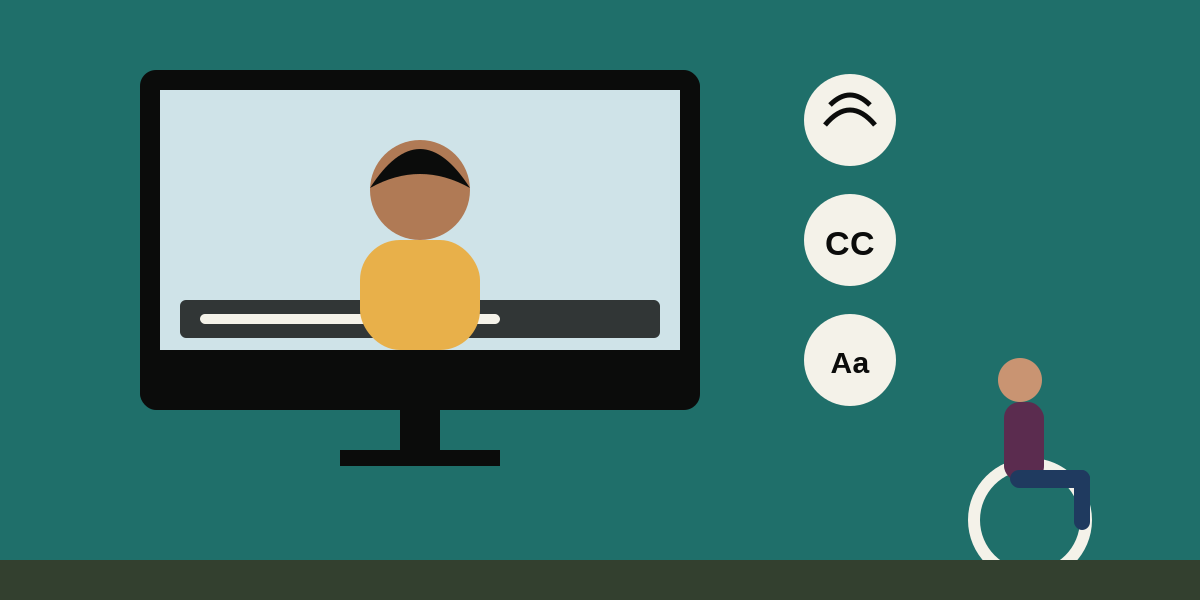
- Is it accessible to students with disabilities, including screen reader support and captions?
About data and safety
- What student data do you collect, where is it stored and who can access it?
- Do you comply with the data protection laws that apply to our school?
- Do you show advertisements or sell data to third parties?
- What happens to our data if we stop using the product?
About cost and support
- What is the total cost over three years, including hardware, licences, training and maintenance?
- Are there price increases after the first year?
- What training and support is included, and in which languages?
Ask for the answers in writing. A supplier who is vague about data or long-term cost is giving you useful information.
Run a pilot before a full rollout
Never buy technology for the whole school based on a demo. Instead, run a pilot for a term in a few classrooms with willing teachers. Collect simple data before and after, and ask teachers and students for honest feedback.
A good pilot answers practical questions that no demo can: Did teachers keep using it after the first two weeks? Did it save or cost time? Did students engage with it, or did it become a distraction? Were there technical problems? If the pilot does not show clear benefits, it is better to walk away than to spread a weak solution across the school.
Plan training properly
Technology without training is one of the main reasons for wasted spending. A single session at the start of the year is rarely enough. Plan for short, regular training sessions, ideally led by teachers who have used the tool successfully during the pilot. Give teachers time to experiment, share ideas and ask questions. Celebrate small successes publicly so others can see what is possible.
Think about equity
Not every student has a device or reliable internet at home. If homework depends on technology, students without access fall further behind. Consider how the school will support them, whether through lab access before and after school, offline options or printed alternatives. Technology should narrow gaps between students, not widen them.
Listen to students
Students are rarely asked what they think of the technology chosen for them, yet they are often the first to notice when a tool is confusing, slow or simply boring. During a pilot, ask a small group of students from different classes to share honest feedback. Which parts helped them understand something? Which parts did they skip? Did they use it at home? Older students can even help test new tools and train younger ones, which builds their own confidence and digital skills.
Student feedback also helps spot problems adults miss, such as features that do not work well on older phones, content that feels too childish for teenagers, or tools that make it easy to copy answers rather than think.
Remember the basics
Some of the most effective classroom technology is simple: a reliable projector, a good document camera, decent speakers and fast, stable internet. Before investing in advanced platforms, make sure these basics work in every classroom. A school with dependable basics often gets more from technology than one with expensive tools that keep failing.
Learning from exhibitions and peers
Education exhibitions and conferences can be useful for comparing many products in one place and hearing from other schools. Go with your problem statement and your list of questions, not an open mind and an open chequebook. Talk to other school leaders as much as to exhibitors; their experience of what worked and what did not is often more valuable than any presentation. Our guide to getting the most out of an exhibition explains how to plan such a visit.
Review every year
At the end of each year, review every major technology the school uses. Is it still solving the problem it was bought for? Are teachers using it? Is the cost justified? Be willing to stop using tools that no longer help, even if they were expensive. Money saved can be spent on what works.
It also helps to keep a simple record of every tool the school uses: what it is for, who leads it, what it costs, when the contract renews and what the last review found. This one page prevents surprise renewals, makes handovers easier when staff change and gives the leadership team a clear picture of where the technology budget is going.
A short checklist for school leaders
- We have written down the teaching problem we want to solve.
- Teachers, including sceptics, are part of the decision.
- We have asked suppliers about learning evidence, data, accessibility and three-year cost.
- We have run a pilot and reviewed the results honestly.
- We have a training plan beyond the first week.
- We have considered students without devices or internet at home.
Explore schools and education listings on Breitordo, see education events, or read about how AI can support students of different abilities.
Sources
This is an original article written by the Breitordo Editorial Team from general knowledge and practical experience. It does not quote, copy or reproduce material from other publications.
Frequently asked questions
How should a school choose education technology?
Start with a clear teaching problem, involve teachers, ask suppliers about learning evidence, data privacy and long-term cost, and run a pilot before buying for the whole school.
Why does classroom technology often go unused?
Usually because it was chosen without a clear purpose, without teacher involvement or without ongoing training.